DevOps workflow
Deploying infrastructure
First, configure your workstation or build environment with CLI tools specified here.
Configuring GitHub
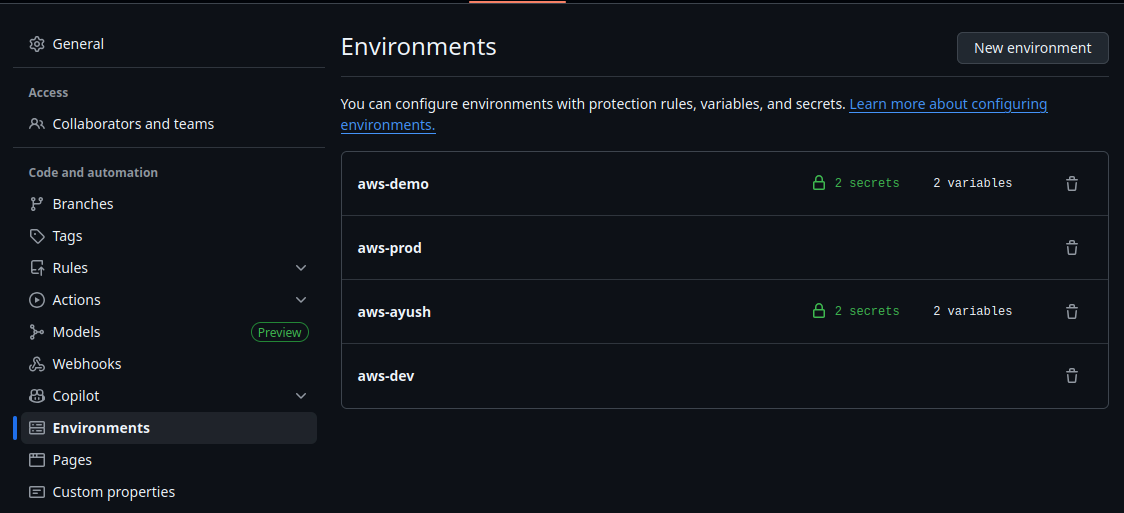
We use GitHub Environments to configure variables and secrets for different stages available within GitHub Actions. The goal for writing new Actions is to make them reusable across environments, and to control which environment they run in via GitHub.
Currently we have the following environments configured:
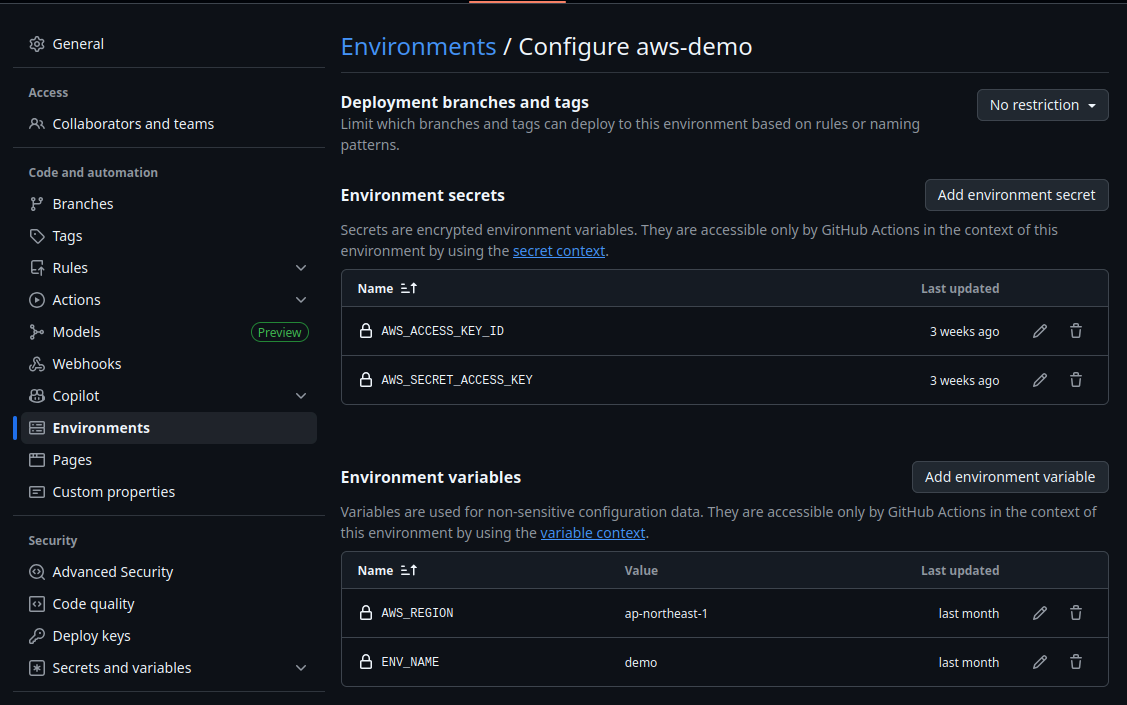
Each environment contains the name of the environment, AWS access credentials, and the environment's region, among other variables:
Deploying applications
For deploying OneConnect applications, DevOps / Infrastructure teams must update the following.
ECR mirror
Harbour automatically mirrors application Docker images to AWS ECR in different accounts. The IAM user configured in Harbour does not have permissions to create new images for reasons of cost and security, so new ECR repos must be explicitly created and the IAM user updated.
When creating new images, update the repo name in the ECR mirror project and apply changes using GitHub Actions workflow.
Environment variables
The DevOps team will ensure there is a ConfigMap for shared environment variables unique to each AWS environment.
We currently have the following ConfigMaps configured:
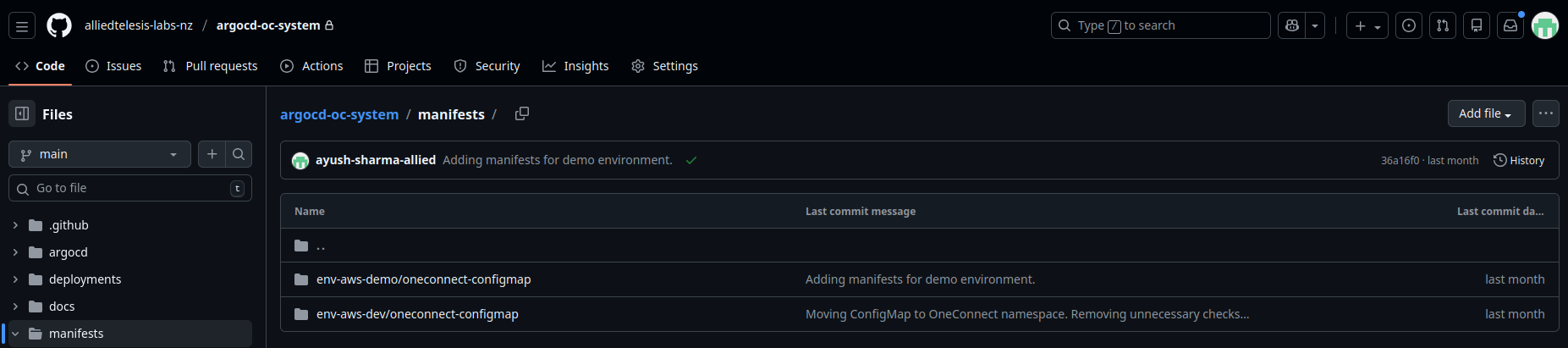
This ConfigMap must be kept up to date with changes in URLs of resources deployed via Terraform, third-party services, and other externally managed applications. Developers will take responsibility for updating the endpoints and configuration values of their own services defined in these shared ConfigMaps.